
Plan the month. See how it goes.
Set a monthly budget for your expenses, then see how your actual spending compares as the month progresses.
Set your monthly budget
Set how much you want to spend across the different areas of your monthly expenses, then see what you’ve spent, what’s left and where you’ve gone over budget.
See where the month is going
A visual breakdown shows how the month’s spending is spread, with the biggest shares taking the most space. Look at it by merchant, by category or by area of spending.
Set money aside for your goals
Create pots for things you’re saving towards, such as an emergency fund, a house deposit or a trip. The money you assign to a pot comes from your existing savings, so you can see how much is already set aside and how much is still available.
- A target, and a deadline if you want one
- How much to save each month to get there, per goal and in total
- How much of each account is already set aside, and what’s still free
Every feature, explained.
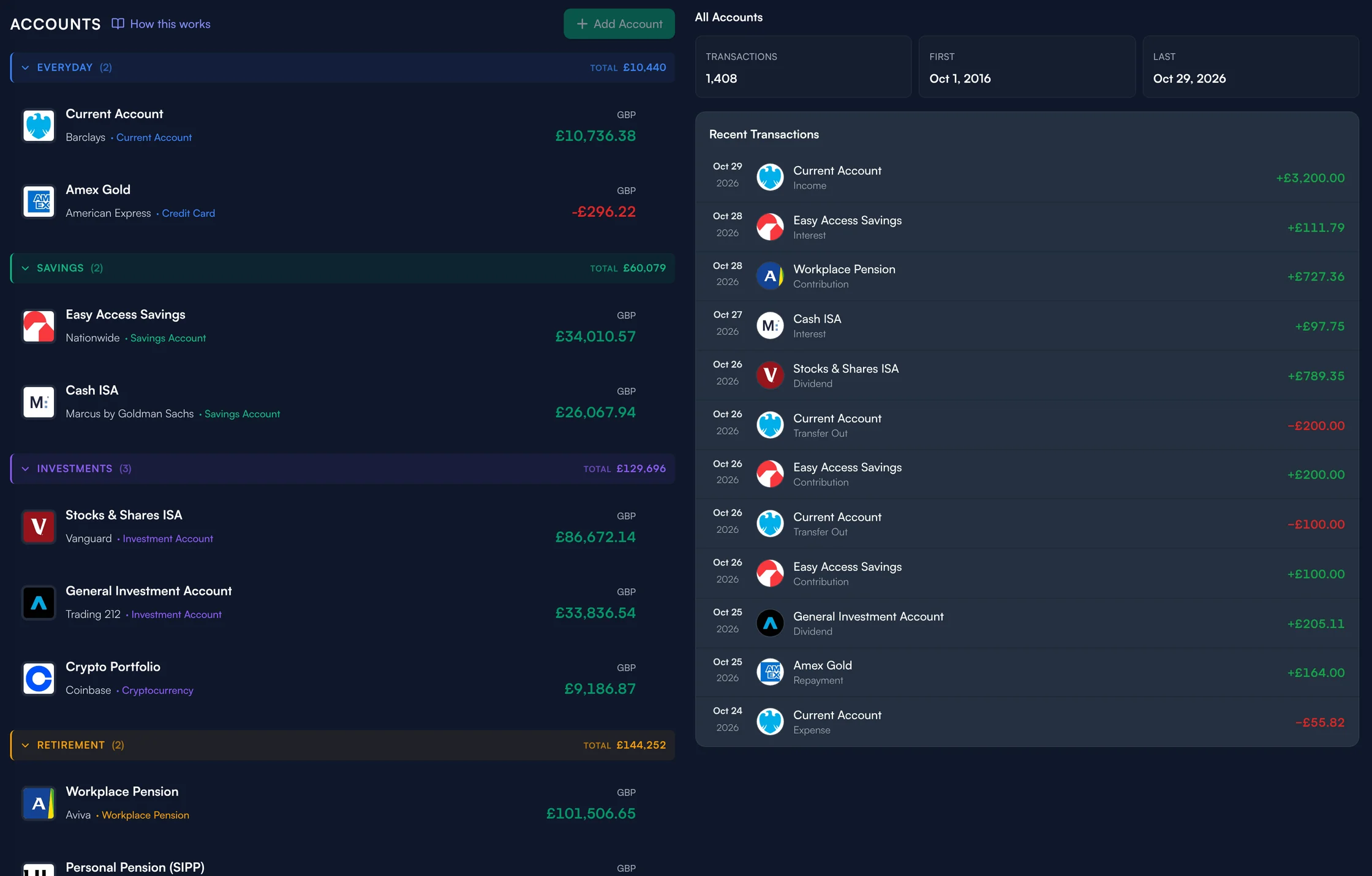
Accounts & transactions
Bring your accounts and transactions together, entered by hand or imported from your bank.
See how it works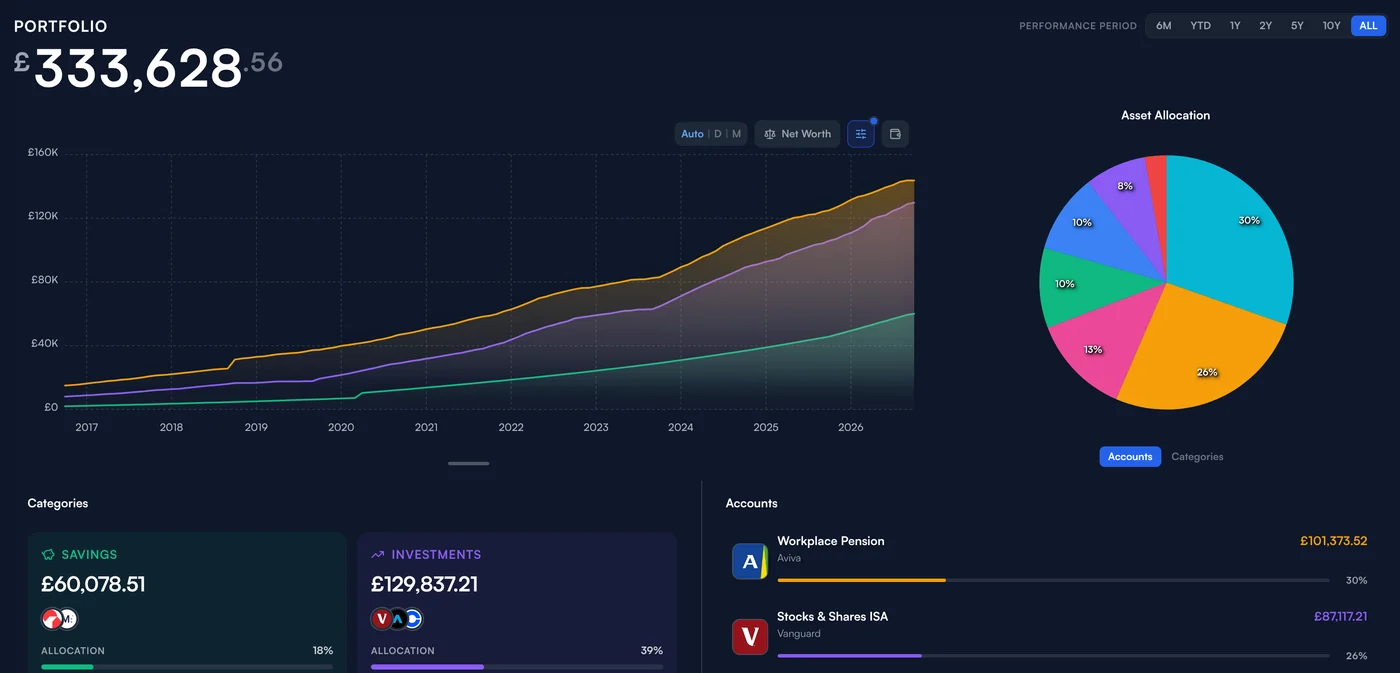
Net worth & portfolio
What you own, what you owe and how it has changed — one figure across every account and currency.
See how it works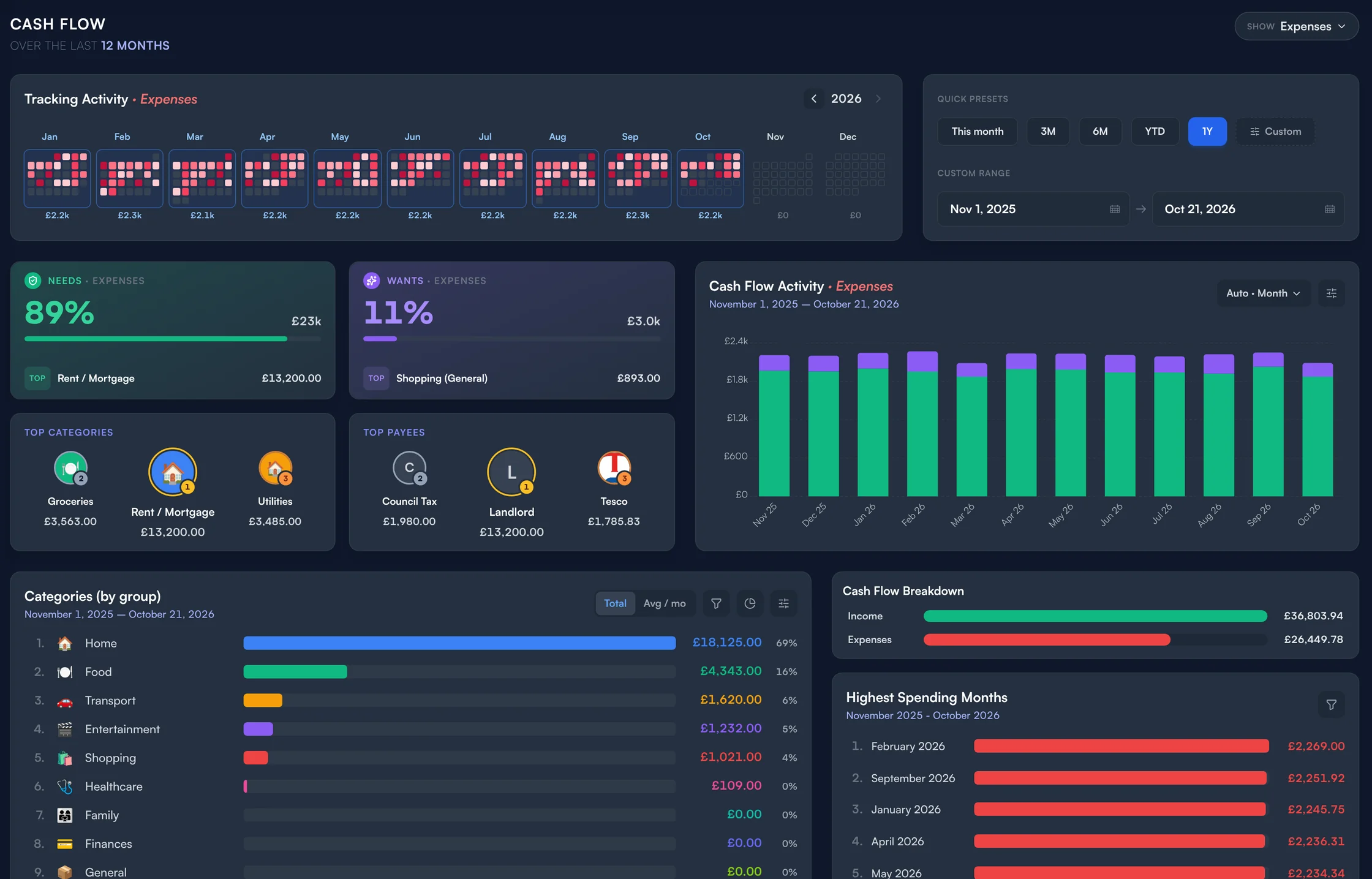
Spending & cash flow
Where your money came from and where it went, by category, payee and month.
See how it works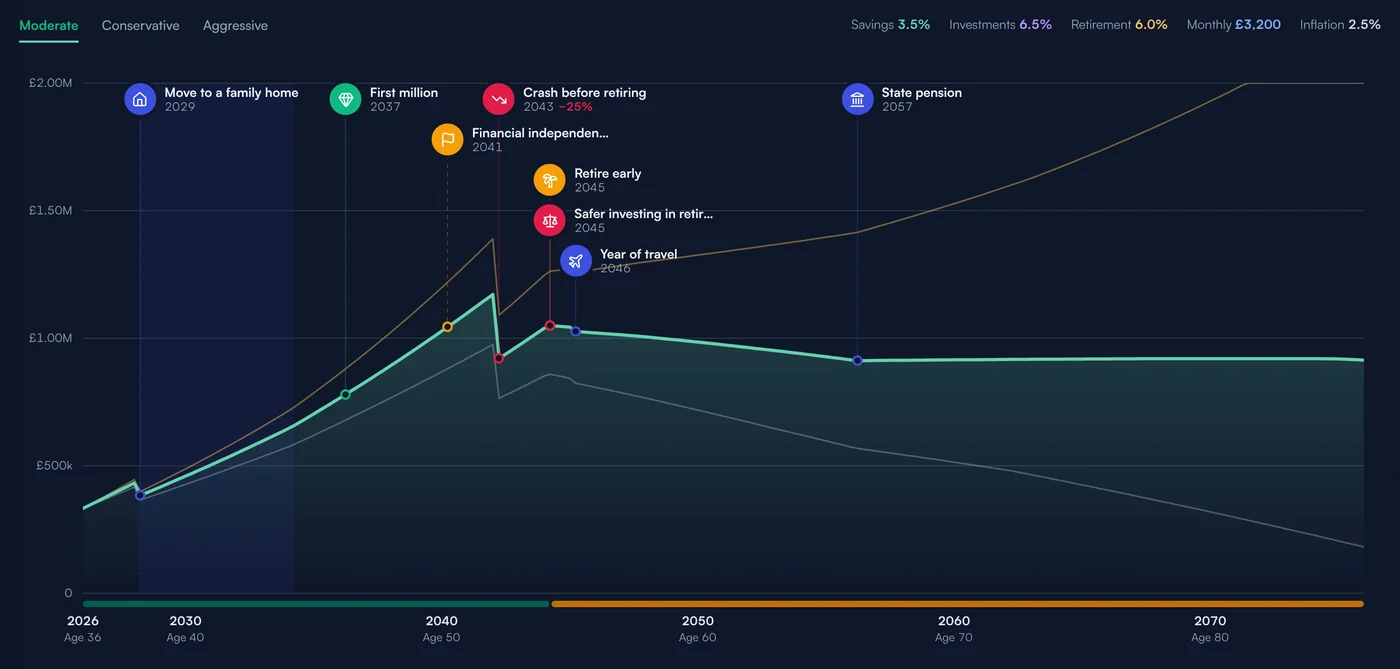
Financial Journey
Project your portfolio decades ahead, with life events on the curve.
See how it worksSee where your money
is taking you.
Bring your finances together today, then see what they could look like years from now.